

Quick View Pop-up
Shoppers who open a product from your shop page in FluentCart's quick-view pop-up get the same gallery as on the full product page — same layout, zoom and lightbox.
On FluentCart's shop page, product cards can show a View Options button. Clicking it opens a pop-up with the product's photos, options and Add to Cart button, so shoppers can buy without leaving the shop. Smart Product Gallery replaces the gallery in that pop-up too.
There's nothing to set up. It happens automatically wherever the plugin's front-end files are loaded: single product pages, the shop page and product category pages.
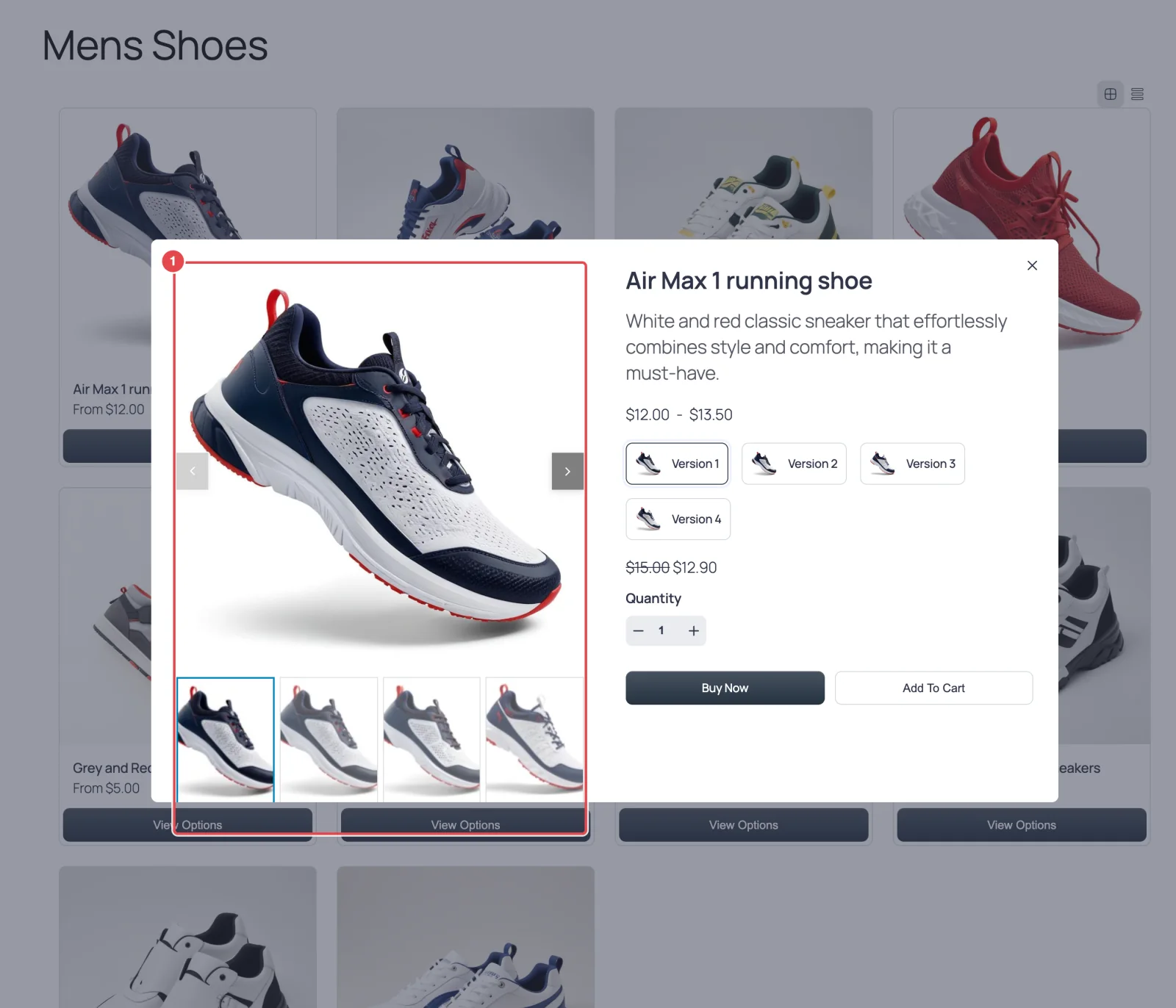
How it works
FluentCart builds the pop-up with its own gallery. As soon as the pop-up opens, Smart Product Gallery asks your site for that product's gallery and swaps it in. Shoppers may glimpse FluentCart's gallery for a split second before the swap — that's expected.
Everything you've configured carries over: the layout, thumbnails, zoom, lightbox and variation filtering. Picking a variation inside the pop-up switches the photos just as it does on the product page.
Things worth knowing
- It follows your global settings. There's no separate configuration for the pop-up. A tall layout like Vertical Scroll or a big grid makes for a tall pop-up — the slider layouts usually fit a pop-up best.
- It needs FluentCart's own Shop page or a FluentCart product category page. The plugin only loads its files on single products, the page chosen as the Shop page in FluentCart's settings, and product category archives. On any other page with a product grid, such as a page where you added the
[fluent_cart_products]shortcode or FluentCart's Products block, the pop-up keeps FluentCart's own gallery. A product grid from a page builder may also open its own pop-up, which the plugin doesn't recognize. - If the swap fails (for example, a security plugin blocks the request), the pop-up keeps FluentCart's gallery, and the next time it's opened the plugin tries again. See Troubleshooting.
- The free plugin does this too. The quick-view replacement is in both editions.
Where to go next
- How It Works — where the gallery appears and why
- Variation Images
- Layouts Overview