

Help Center
The Help Center tab is the plugin's welcome page, with a short getting-started video and links to the demo, the documentation and support.
Where to find it: FluentCart → Product Gallery → Help Center (admin.php?page=smart-product-gallery#help_center)
This tab is in Smart Product Gallery Pro only. It has no settings, so there's no Save Settings or Reset Tab button here.
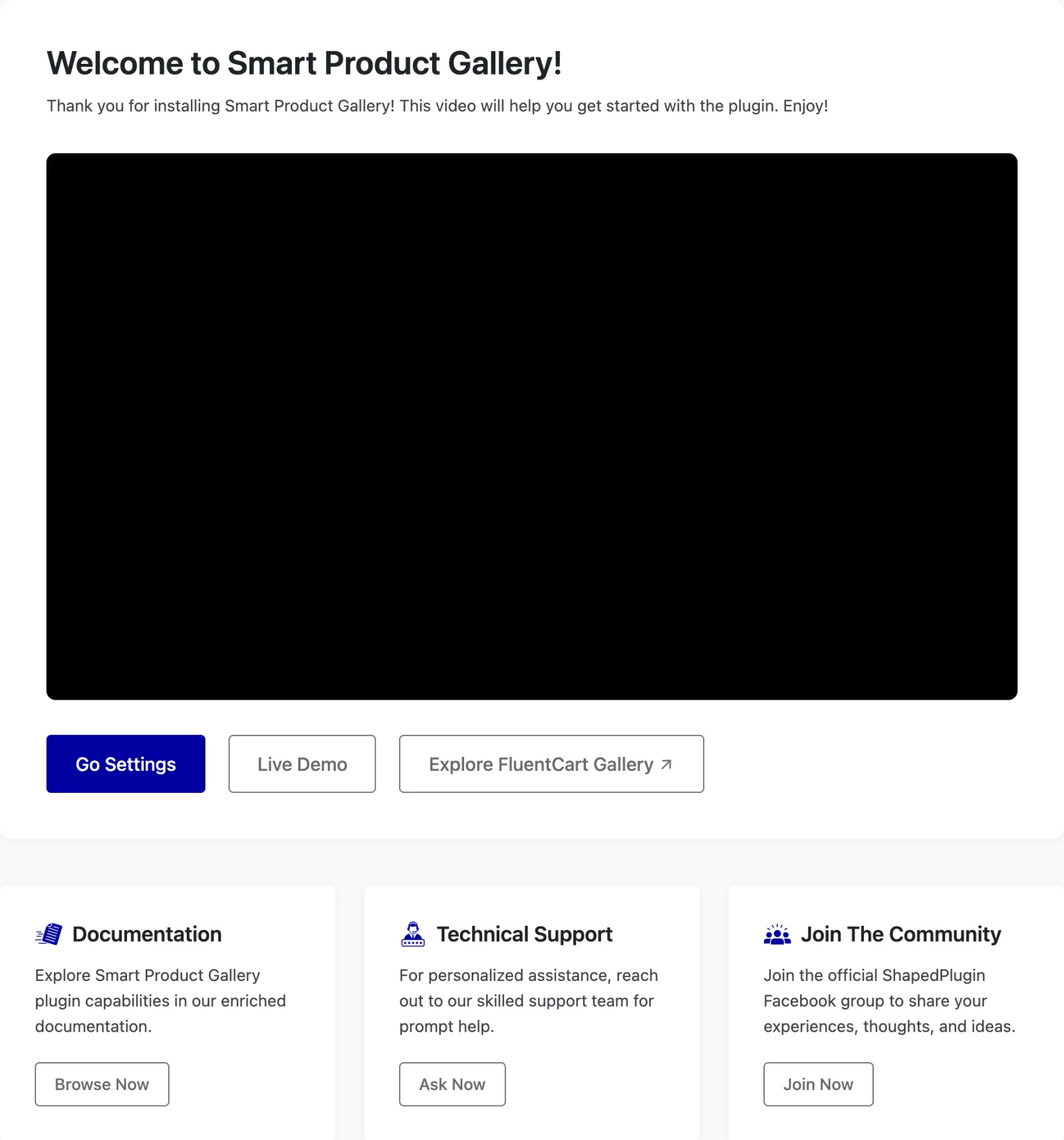
What's on it
Welcome to Smart Product Gallery! A short video tour of the plugin. It's a good place to start if you've just installed it.
Under the video are three buttons:
| Button | Where it goes |
|---|---|
| Go Settings | The General tab, to start configuring. |
| Live Demo | A demo store showing the gallery on a real product page. |
| Explore FluentCart Gallery | The product's website, with the full feature list. |
Below them are three boxes:
| Box | Button | What it's for |
|---|---|---|
| Documentation | Browse Now | The plugin's documentation, which is what you're reading now. |
| Technical Support | Ask Now | Opens a ticket with ShapedPlugin's support team. |
| Join The Community | Join Now | The ShapedPlugin Facebook group, where you can share ideas and ask other users. |
Getting help
Before you open a ticket, the Troubleshooting page and the FAQ answer the most common questions. Most of the time, the cause is a block theme or a caching plugin.
If you do contact support, include:
- your WordPress, FluentCart and Smart Product Gallery version numbers;
- the name of your theme, and whether it's a block theme;
- a link to a product page where the problem shows.
The Support link in the settings page header goes to the same support form, and it's there in the free plugin too.
Where to go next
- Troubleshooting: fixes for the most common problems.
- FAQ: quick answers.
- Quick Start: get a working gallery in a few minutes.