

Zoom
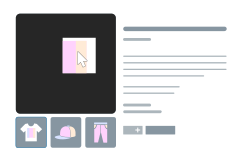
Let shoppers inspect the details: stitching, texture, a product's small print. They just move the pointer over the main image.
Where to find it: FluentCart → Product Gallery → Zoom (admin.php?page=smart-product-gallery#zoom)
Zoom works on every layout. On slider layouts it applies to the main image; on grid layouts, to each image in the grid. The Image Zoom feature page walks you through choosing a style. This page is the field-by-field reference.
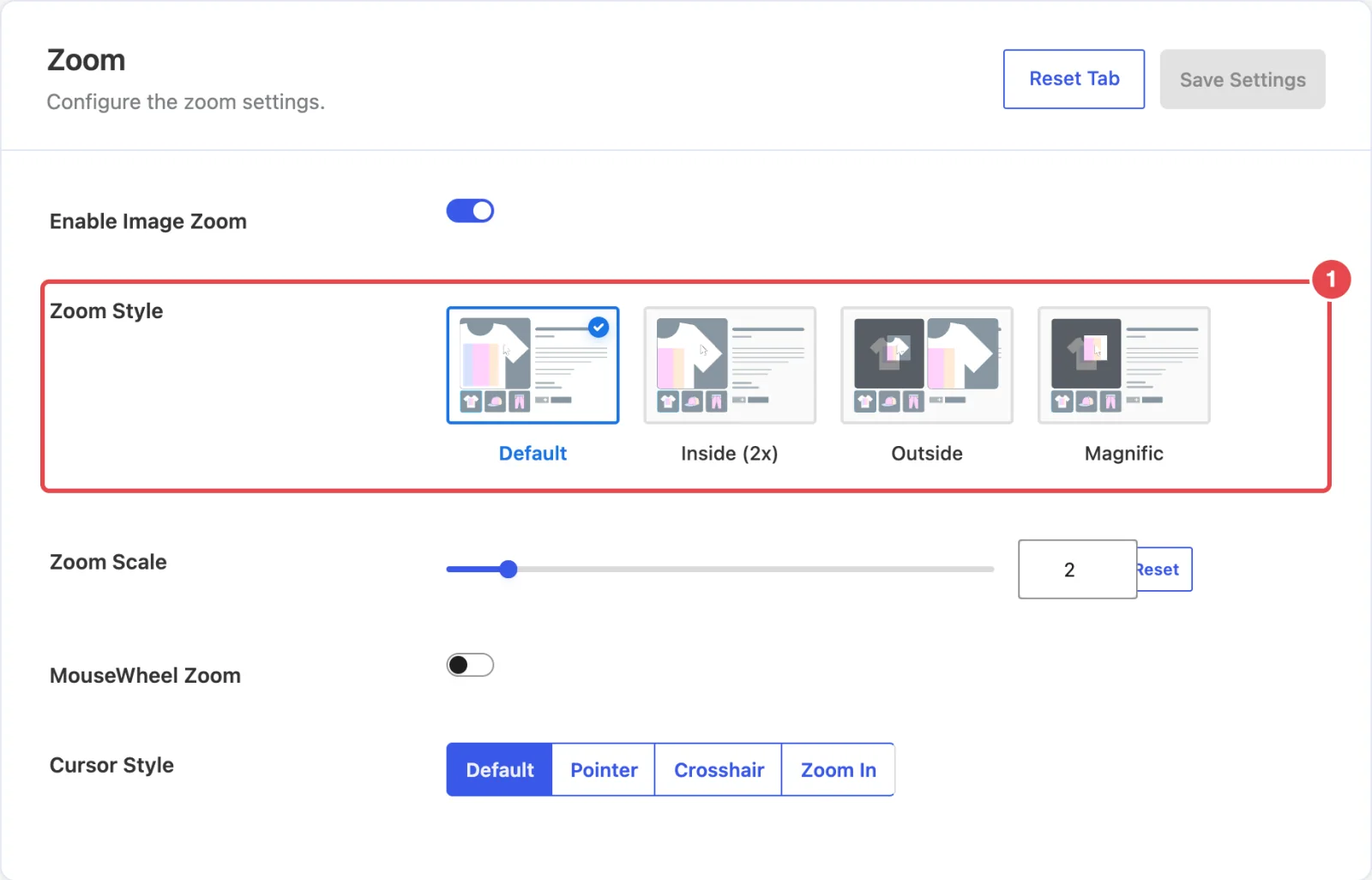
Zoom style
| Setting | What it does | Default |
|---|---|---|
| Enable Image Zoom | Turns hover zoom on. Every other setting on this tab depends on it. | On |
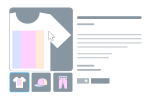
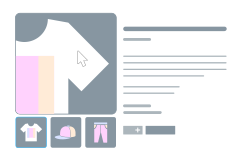
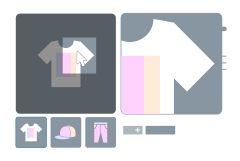
| Zoom Style | Default enlarges the image inside its own frame, following the pointer. Inside (2x) does the same at a fixed double size. Outside places a lens on the image and shows the enlarged area in a separate window beside it. Magnific moves a magnifying-glass lens over the image. | Default |
Zoom behavior
| Setting | What it does | Default |
|---|---|---|
| Zoom Scale | How much the image is enlarged, from 1 to 10 times. Hidden for Inside (2x), which is always 2×. | 2 |
| MouseWheel Zoom | Lets shoppers change the zoom level with the mouse wheel while hovering. | Off |
| Cursor Style | The pointer shape over a zoomable image: Default, Pointer, Crosshair or Zoom In (a magnifier). Zoom In is a clear hint that the image can be zoomed. | Default |
Zoom needs a big image
Zoom can only show detail that's in the file. If the gallery loads a 600px image into a 600px frame, a 2× zoom just shows blurry pixels. Set Image Size to Original uploaded image or Large, and upload photos at least twice as wide as the gallery.
Magnific lens
| Setting | What it does | Default |
|---|---|---|
| Lens Shape | Circle gives a round magnifying glass; Box a square one. Shown when the style is Magnific. | Box |
Outside zoom
With Outside, the shopper moves a lens over the image and the enlarged view appears in a window beside it, to the right (or to the left on right-to-left sites). These fields only appear for that style.
| Setting | What it does | Default |
|---|---|---|
| Lens Color | The fill color of the lens that marks the enlarged area. | Transparent |
| Lens Border | Style, Width (px) and Color of the lens outline. | Solid, 1px, #dddddd |
| Product Image Overlay on Hover | What happens to the rest of the image while zooming. Blur softens it. Custom Color lays a tint over it, so the lens stands out. | Custom Color |
| Image Overlay Color | The tint color. Shown when the overlay is Custom Color. | #fff |
| Image Overlay opacity | How strong the tint is, from 0 (none) to 1 (solid). Shown when the overlay is Custom Color. | 0.5 |
| Zoom Window Size Type | Auto sizes the window for you. Custom lets you set it. | Auto |
| Zoom Window Size | The window's Width and Height in pixels. Shown when the size type is Custom. | 400 × 500 |
| Zoom Window Distance | The gap between the image and the zoom window, in pixels (0–100). | 10 |
| Zoom Window Border | Style, Width (px) and Color of the window's border. | Solid, 1px, #b5b5b5 |
| Zoom Window BoxShadow | A shadow around the window: Horizontal, Vertical, Blur, Spread (px) and Color. | -1 / -1 / 10 / 0, #9e9e9e |
Leave room for the window
The Outside window opens next to the gallery, over the product title and buy button. That's the idea, but on a narrow layout there may not be room. Check a product page on a laptop-sized screen before you settle on Outside.
Zoom and touch screens
Zoom follows the pointer, and phones and tablets don't have one. Shoppers there can open the lightbox instead, which supports pinch-to-zoom.
In the free plugin
In the free Smart Product Gallery for FluentCart, these options show a Pro tag and are locked:
- the Outside and Magnific styles
- Zoom Scale
- MouseWheel Zoom
Cursor Style and the lens and zoom-window settings aren't shown. Free users get Default and Inside (2x) at the standard 2× scale.
Where to go next
- Image Zoom: which zoom style suits which products.
- Lightbox: full-screen viewing with its own zoom controls.
- Product Image: load images big enough to zoom into.